
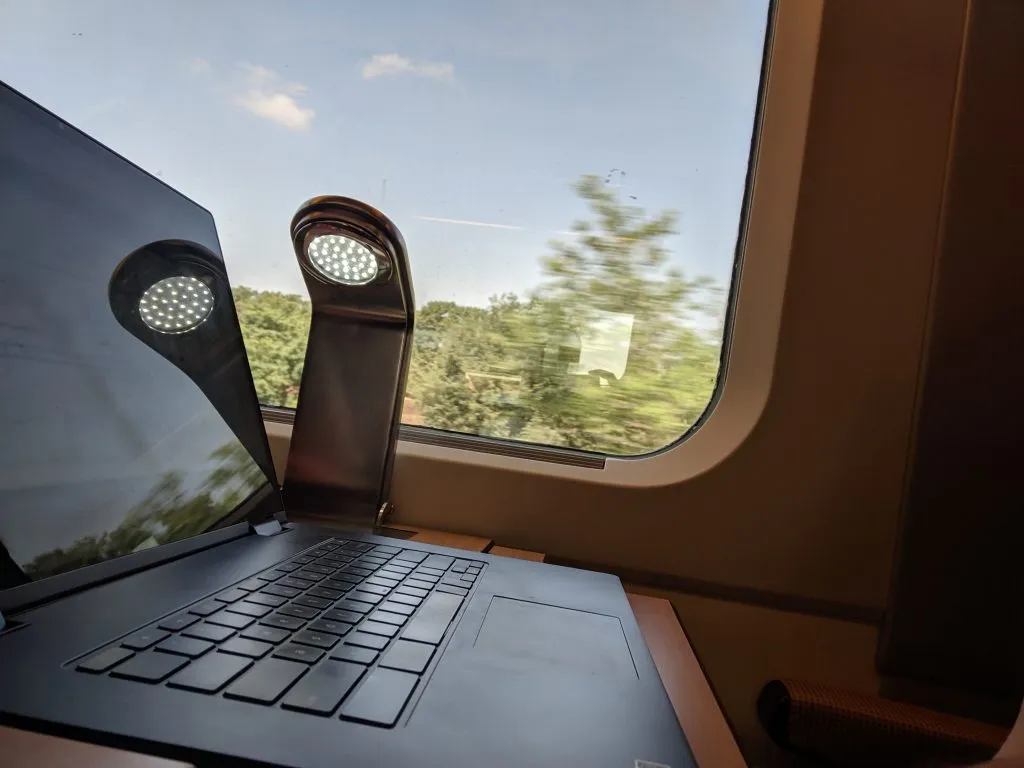
Yes there is Wi-Fi on most of the Spanish high-speed trains known as AVE. It doesn’t work great, but hey, the Wi-Fi is included in the ticket price for all travellers.
The Paris-Barcelona trains are run by SNCF (the French train operator) and not by Renfe. These French trains offer Wi-Fi, though in my experience it only works on the French side of the border and stops working once the train is in Spain. Likewise Spanish Ave trains’ WiFi tends to stop working in France.
How to Connect to Wi-Fi on Renfe Ave Trains
In order to connect you’ll need your ticket number; this is located on the ticket that you printed yourself (or saved in your phone or tablet) if you used our recommended ticketing platform for the cheapest Spanish train tickets.
Here’s the process for connecting:
- Turn on Wi-Fi on your device and choose the network “PlayRenfe”.
- You should get a sign-in popup immediately; if you don’t, open your web browser and go to any web page and it should open.
- Choose your language.
- Choose Access PlayRenfe.
- Choose “with my ticket number” or if you’re on an international trip or a trip in France, choose “with a promotional code” and enter the code “RENFE-SNCF”. (However, in my personal experience the ticket number also worked as a login on a Spain-to-France trip.)
- Enter your ticket number, as found on your ticket (a.k.a. numero de billete, numero de e-billet).
- Enter your ID number. You can make up any number for the passport number if you wish not to share your information, and it still works.
Wi-Fi Speed and Quality on Renfe AVE Trains
Speed: The Renfe AVE Wi-Fi is fast enough for basic use. On a recent trip, the Telstra speed test showed 27.1 mbps download speed, 1.2 mbps upload speed, and 413 ms ping speed.
Quality: The internet connection breaks occasionally, especially if the train is underground, for example when entering or leaving a major city like Barcelona. But in general the connection is stable, and better than the phone 3G/4G connections that drop in and out depending on how rural the area is that you’re travelling through, and how fast you’re going.
Blocked websites: Some rather basic and useful websites are blocked; those that I noticed seemed to be blocked on a recent trip included Netflix and Google Photos. Social networks, email, and YouTube worked fine.
PlayRenfe Supplementary Content
Once logged into the Wi-Fi on the Renfe Ave high-speed trains, you also have access to a few TV series, about 40 movies, and a TV news channel.
Protecting Your Personal Data
As with any public Wi-Fi connection, it’s worth using a VPN to keep other snoops on the network from having access to your personal data. There are free options but they tend to make an already slow connection even less usable. The best paid option we’ve found for travel—and that we use ourselves on Renfe Ave and worldwide—is below.
A Good Travel VPN
In our experience, Nord VPN is blazing fast on a good connection and doesn’t further slow us down when on crappy train, hotel, etc. WiFi.
It also provides a needed extra layer of security on such connections. We use it worldwide while scribbling our travel notes on this site, as well as for actual work.
There are no guarantees, but for us it has also worked great in circumventing geographical restrictions while abroad to use our home-country versions Netflix, Paramount Plus, HBO Max, and others. It’s super easy to pick and connect as if visiting from just about any country.







Do you know how to connect to RenfePlay if you don’t have a Spanish mobile number? I tried with my French mobile…0033 plus the mobile number didn’t work, nor did +33 or simply 33. I tried using their help chat but it also requests a mobile number and wouldn’t accept mine..